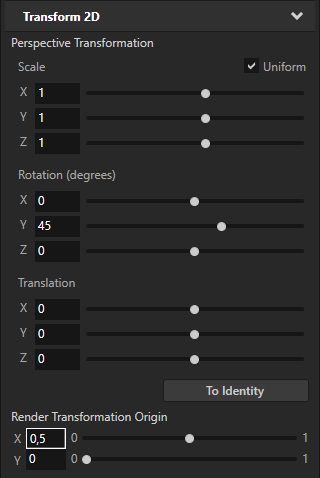
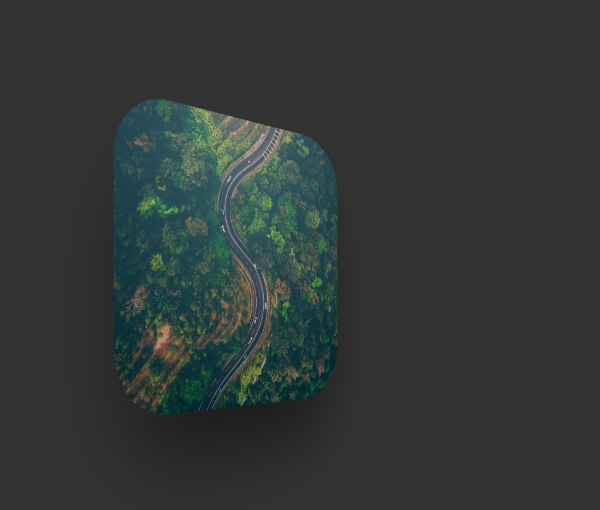
Use the Perspective Transformation property to create a 3D perspective effect for 2D nodes. With the Layout Transformation Rotation property field you can rotate a node only in the 2D space, around the z axis. With the Perspective Transformation Rotation X, Y, and Z property fields you can rotate a 2D node around all three axes, creating a 3D perspective effect.
The Perspective Transformation property transforms the node after it applies the layout pass, but before it renders the node.
To create a 3D perspective effect for a 2D node:
- In the Project create or select a 2D node for which you want to create a 3D perspective effect.
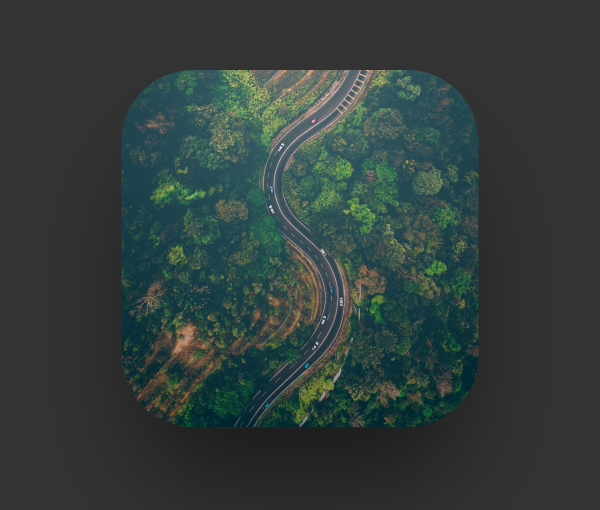
For example, create an Image node.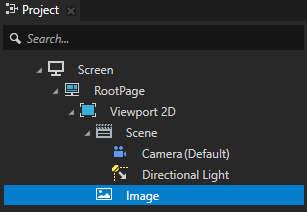
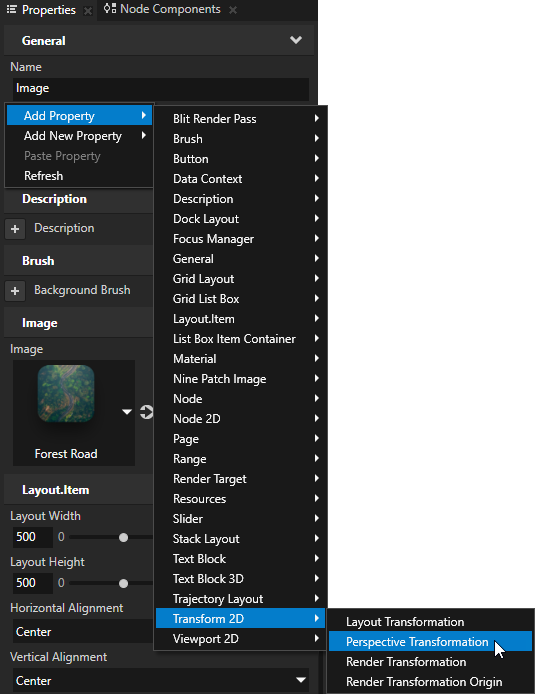
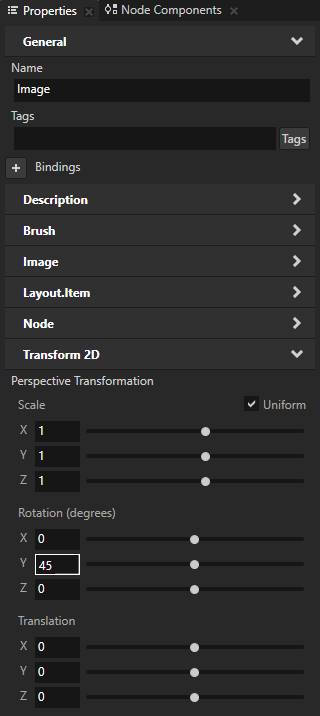
- In the Properties add the Perspective Transformation property.
- In the Properties in the Perspective Transformation property set:
- Rotation X to the number of degrees you want to rotate the node around the x axis.
- Rotation Y to the number of degrees you want to rotate the node around the y axis.
- Rotation Z to the number of degrees you want to rotate the node around the z axis.
- (Optional) In the Properties add the Render Transformation Origin property and set:
- X to the percentage of the node width you want to set the origin on the x axis
- Y to the percentage of the node height you want to set the origin on the y axis
For example, if you set the Perspective Transformation property to rotate the node around the y axis, to make the node rotate around its horizontal center point set the Render Transformation Origin X property field to 0,5.